Wow! I'm really excited about this episode of our podcast because we were able to speak to a few of the learners from our district and hear directly from them what creativity means to them! It is really interesting to hear the concept of creativity evolve from a young elementary child to a young adult! Listen to this episode to hear some of our ideas on how you can help encourage creativity in your classroom. Then share your own thoughts on Twitter using #coppelldlc!
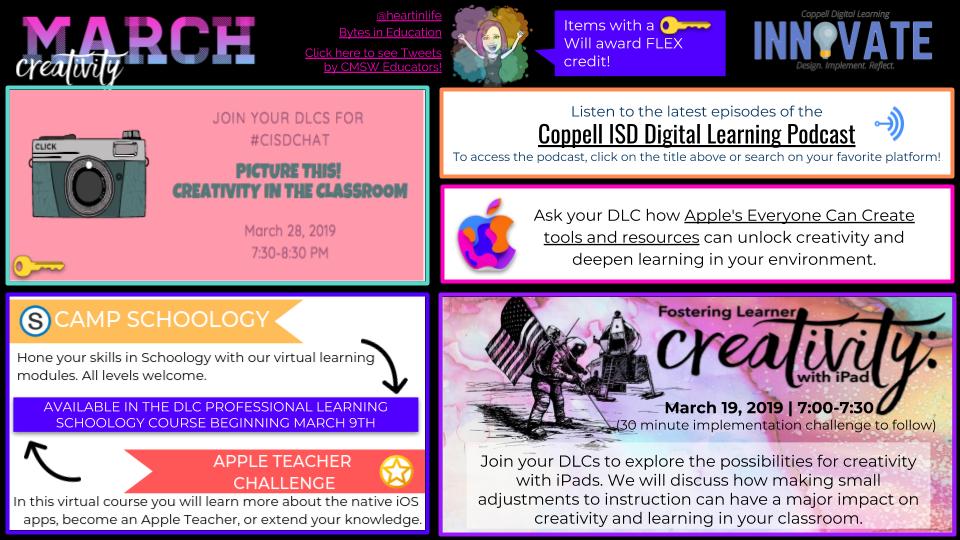
Well, this post is way overdue!! How can we already be in the 3rd week of March with only 9 weeks left in the school year? There is still time for your own learning this month. Check out the opportunities the DLC team is providing....
Where you born ready to openly accept and use other's ideas to move a project forward or expand your own learning? I sure was not! I am very fortunate to have worked with so many amazing people in my career who have definitely helped me become a better collaborator. And I truly believe that when we collaborate a better understanding and a better product is the result! So, listen to this episode of the podcast where Alli and I discuss collaboration in the classroom...
Share how you are encouraging collaboration in your classroom? Take a picture and share it on Twitter using #coppelldlc!
February is a fabulous time to share the love...for #EdTech! My team and I went searching for love in all the right places! We put together this podcast to share from our amazing educators more digital tools and strategies that make their classrooms the best place ever!! Listen to the podcast and then contact your campus Digital Learning Coach to find out more!
My team and I have been working to help educators feel more comfortable using iWorks with their learners. One of the pieces I am trying to share with educators is using Numbers as a workflow guide. The idea is that each sheet is 1 step for the directions. Within the document you can create links to outside resources, step by step directions, and anything you want your learners to have access to in order to support the project.
One thing in particular is naming the individual sheets. Did you know if you are using a MacBook you have an emoji keyboard built in? All you have to do to access this gem is press Control, Command, and the Space bar all at the same time. Then...just like magic you can insert an emoji!
Take a look of this example of emojis used within naming each sheet. Try it! It will make your day!
Another thing you can try is adding "fancy" titles! Fonts is another little thing that can make you feel happy about your documentation. I found a solution of using Canva to create the title. Check out this video to see how.
What "tricks" do you like to use to make your documents shine?
Our district uses Schoology as our Learning Management System. As an educator, I love it! I cannot say enough good things about how well Schoology interacts with so many other online tools making it user friendly for educators, learners, and parents. One particular aspect I have been focusing on recently is embedding resources in Pages. I put together this help sheet and video tutorial to hopefully share a little embed code love!
I love working with graphics because pictures truly are worth 1000 words. I love how an images combined with colors can take a lonely document and bring it to life! It's funny how a few minor changes can make such a big difference. I remember during one of my classes in graduate school taking the time to talk about design of instructional materials. Images matter.
One thing that really drives me crazy is when an image is used in a document where there is a background that clearly does not belong. It could be a piece of clipart that was saved and inserted into a slide show or maybe a flyer hanging on a wall, but I can always see that white background sitting there...watching me...why won't it just go away and put me out of my misery?
There are so many different tools you can use that with a simple click of a button or swipe the background will disappear forever! Did you know iWorks has one built in all of the core programs just waiting to be utilized! With the swipe of a finger you to can have images without disruptive backgrounds. And with my favorite button of all time, Undo, you never have to worry about going too far! Check out this video where I demonstrate how to use Instant Alpha while I'm working on a Keynote project...
Try this out the next time you are inserting images in Pages, Numbers, or Keynote!